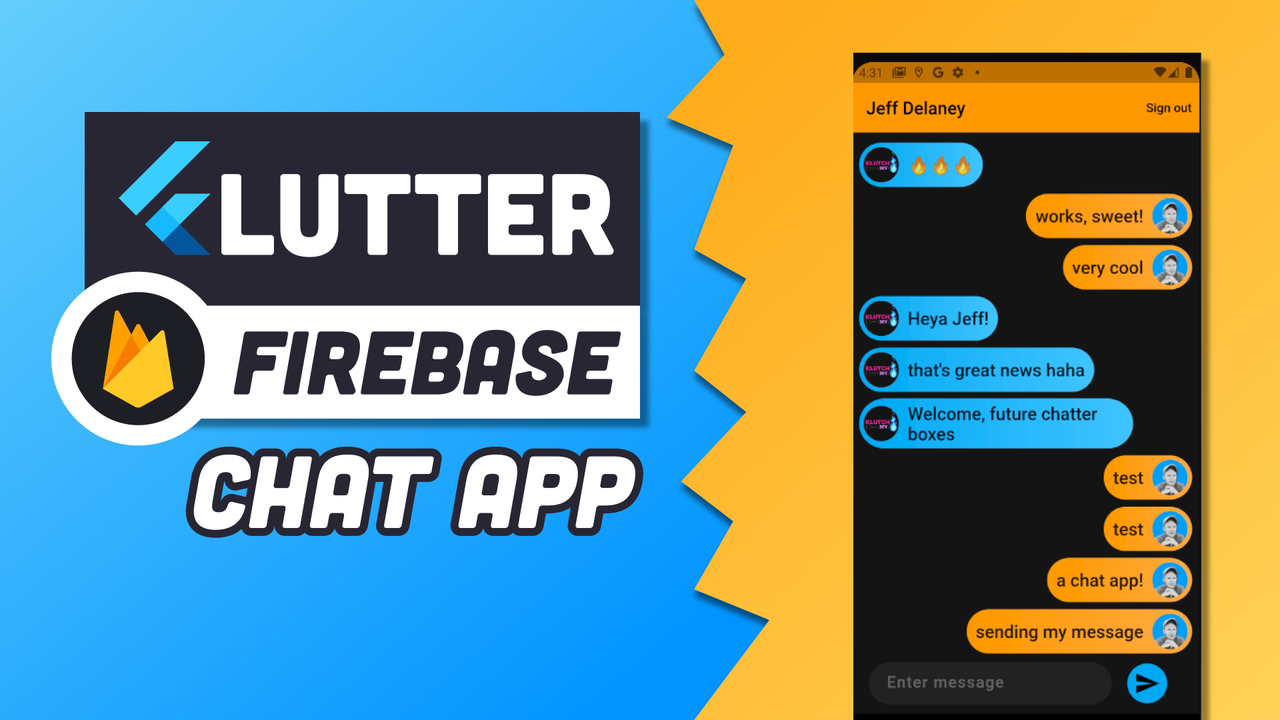
Real-time messaging is a core feature in many mobile apps today. Firebase, Google’s cloud platform, provides real-time database, authentication, and cloud functions, making it an ideal backend for chat applications.
In this article, we’ll explore how to build a chat app with Firebase, covering setup, authentication, real-time messaging, and best practices for scalability.
1. Why Choose Firebase for Chat Apps?
- Real-time Database: Updates instantly for all connected users.
- Authentication: Secure login with email, phone, or social accounts.
- Cloud Functions: Serverless backend for logic and notifications.
- Scalability: Handles thousands of users with minimal configuration.
2. Setting Up Your Project
- Create a Firebase project at Firebase Console.
- Add your app (Android, iOS, or web) and download configuration files (
google-services.jsonorGoogleService-Info.plist). - Add Firebase SDK to your project:
3. Implementing User Authentication
- Use Firebase Authentication for secure login:
- Alternative login methods: Google Sign-In, Facebook, or phone number verification.
4. Setting Up Real-Time Messaging
- Use Cloud Firestore or Realtime Database to store messages.
- Example Firestore structure:
-
Listen for real-time updates:
5. Sending Messages
- Add a new document to the messages collection:
- UI updates automatically using stream listeners.
6. Displaying Messages in the UI
- Use a ListView or similar widget to show messages.
- Display messages differently based on sender (own messages on right, others on left).
- Scroll automatically to the latest message.
7. Push Notifications
- Use Firebase Cloud Messaging (FCM) to notify users of new messages:
- Customize notifications with sender name, message preview, and action buttons.
- Trigger notifications via Cloud Functions.
8. Security and Rules
- Use Firestore Security Rules to protect user data:
- Ensure users can only access chats they belong to.
9. Scaling Your Chat App
- Use pagination to load messages in chunks instead of all at once.
- Optimize Firestore queries → index frequently queried fields.
- Monitor usage → Firebase provides analytics and performance insights.
10. Conclusion
Building a chat app with Firebase is fast, secure, and scalable. By leveraging Firebase Authentication, Cloud Firestore, and Cloud Messaging, developers can implement real-time messaging efficiently.
With proper UI design, security rules, and optimization, your chat app can handle thousands of users while providing a smooth, real-time communication experience.