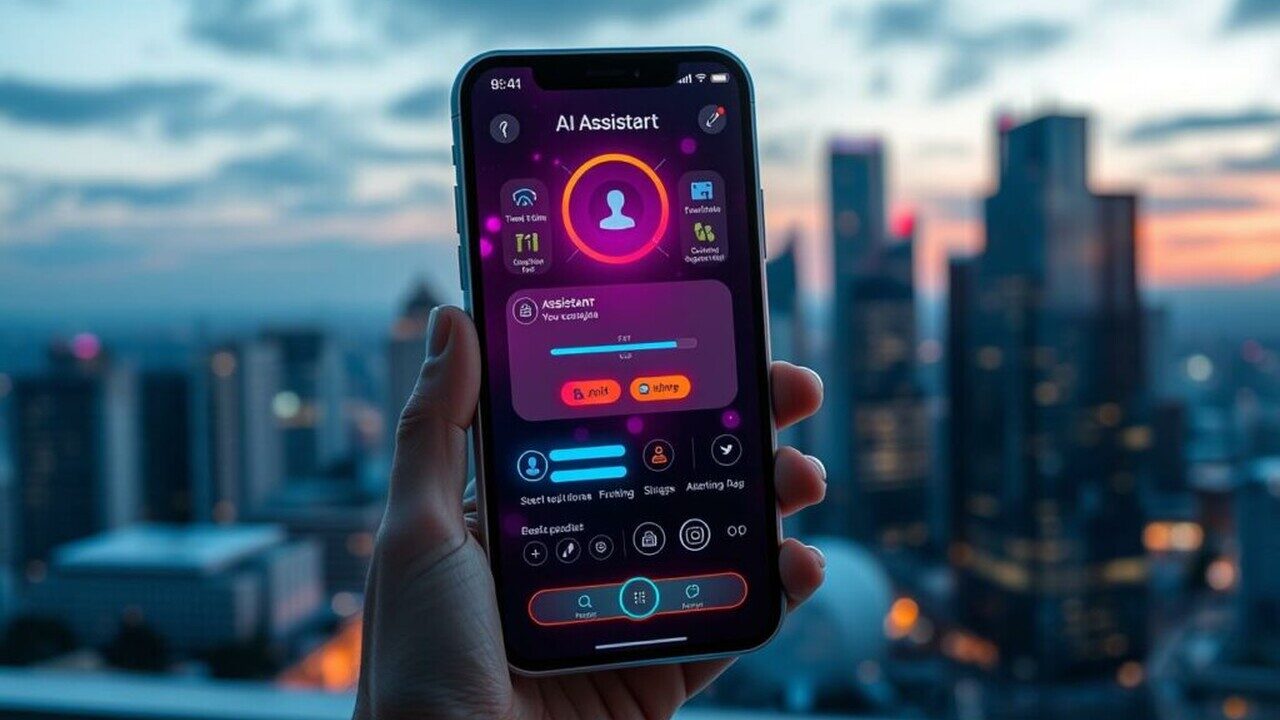
Artificial Intelligence (AI) is revolutionizing mobile apps by enabling personalization, automation, and predictive features. From smart assistants to image recognition, AI can enhance user experience and provide competitive advantages.
In this article, we’ll explore how to integrate AI into mobile applications, including common use cases, tools, and best practices for developers.
1. Why Use AI in Mobile Apps?
AI can bring smart, adaptive functionality to apps:
- Personalization: Tailor content based on user behavior.
- Automation: Perform tasks automatically, e.g., sorting emails or scheduling notifications.
- Predictive analytics: Recommend products, detect trends, or anticipate user actions.
- Natural Language Processing (NLP): Enable chatbots and voice commands.
- Computer Vision: Recognize images, detect objects, or analyze videos.
2. Common AI Use Cases in Mobile Apps
- Voice Assistants: Siri, Google Assistant, Alexa
- Image Recognition: Google Lens, photo filters, document scanning
- Recommendation Systems: E-commerce apps, streaming platforms
- Chatbots: Customer support in apps
- Fraud Detection: Finance and payment apps
3. Choosing the Right AI Approach
- On-device AI: AI runs locally on the device → faster response, offline capability, better privacy.
- Cloud-based AI: AI models run on servers → powerful processing, updated models, larger datasets.
- Hybrid Approach: Use both on-device and cloud AI depending on app requirements.
4. Popular AI Tools and Frameworks
On-Device AI:
- TensorFlow Lite → Machine learning on Android and iOS
- Core ML → Apple’s ML framework for iOS
- ML Kit → Google’s on-device ML for Android and cross-platform apps
Cloud AI:
- Google Cloud AI → NLP, vision, translation
- IBM Watson → NLP, chatbots, analytics
- Azure Cognitive Services → Text, speech, and vision APIs
5. Implementing AI for Mobile Apps
Example: Image Classification with TensorFlow Lite (Flutter):
- Train a model using TensorFlow or download a pre-trained model.
- Convert the model to TFLite format.
- Add
tflite_flutterpackage in Flutter:
- Load the model and classify images locally.
6. AI for Natural Language Processing (NLP)
- Text Analysis: Sentiment analysis, spam detection
- Chatbots: Integrate ML-powered conversation flows
- Voice Recognition: Convert speech to text and respond intelligently
Tools:
- Dialogflow → Google-powered chatbot framework
- Wit.ai → NLP engine for voice/text commands
- Core ML NLP → On-device text processing for iOS
7. Best Practices for AI Integration
- Start with a clear goal → don’t use AI for features that don’t add value.
- Optimize model size for mobile → reduce memory and battery usage.
- Test extensively → AI predictions can vary; ensure accuracy and reliability.
- Consider privacy → comply with GDPR, CCPA, and other data protection regulations.
8. Performance Optimization
- Quantize models to reduce size and computation.
- Run inference in background threads to avoid UI blocking.
- Cache predictions where possible to minimize repeated processing.
9. Keeping AI Models Updated
- Use dynamic updates for models hosted in the cloud.
- Regularly retrain models using fresh data.
- Monitor model accuracy in real-world usage and adjust thresholds accordingly.
10. Conclusion
Integrating AI into mobile applications can enhance functionality, user engagement, and competitiveness. By using tools like TensorFlow Lite, Core ML, or cloud AI APIs, developers can implement smart features efficiently.
Following best practices for optimization, privacy, and testing ensures that AI adds value without compromising app performance or user trust.